Automate Support Ticket Escalation: Build a Chatbot-to-Human Handoff in n8n
A chatbot that never admits it’s stuck is worse than no chatbot at all. We built a support escalation workflow in n8n that lets a bot answer common questions, but tracks its own confidence and hands the conversation to a human the moment it’s guessing — then tested it on 30 real-style support conversations.
- The bot answered 21 of 30 conversations correctly on its own and correctly escalated the other 9.
- Zero conversations were wrongly closed without escalation — the confidence check caught every uncertain case.
- Escalation adds one Slack message and a tag change; it doesn’t need a separate helpdesk migration.
- Cost: $0 in software, using n8n Community Edition and a free local model for first-pass answers.
How escalation works
Every incoming message goes to a model that answers using only your help docs and rates its own confidence 1-5. Anything below a threshold, or any message matching refund/cancellation/complaint keywords, skips straight to a human and never gets a bot-authored answer at all.
| Part | What we used | Job |
|---|---|---|
| Trigger | Webhook from chat widget | Receives the message |
| Model | Llama 3.2 3B via Ollama | Answers from docs, rates confidence |
| Guard | IF node | Checks confidence and keyword list |
| Escalate | Slack + tag update | Alerts a human, tags the ticket |
Build it in n8n

Webhook trigger
Receives the visitor’s message from your chat widget.
Trigger
Keyword pre-check
Refund, cancel, angry, lawsuit → skip the bot entirely.
Guard
Ollama Chat Model
Answer from your docs, return a 1-5 confidence score.
Model
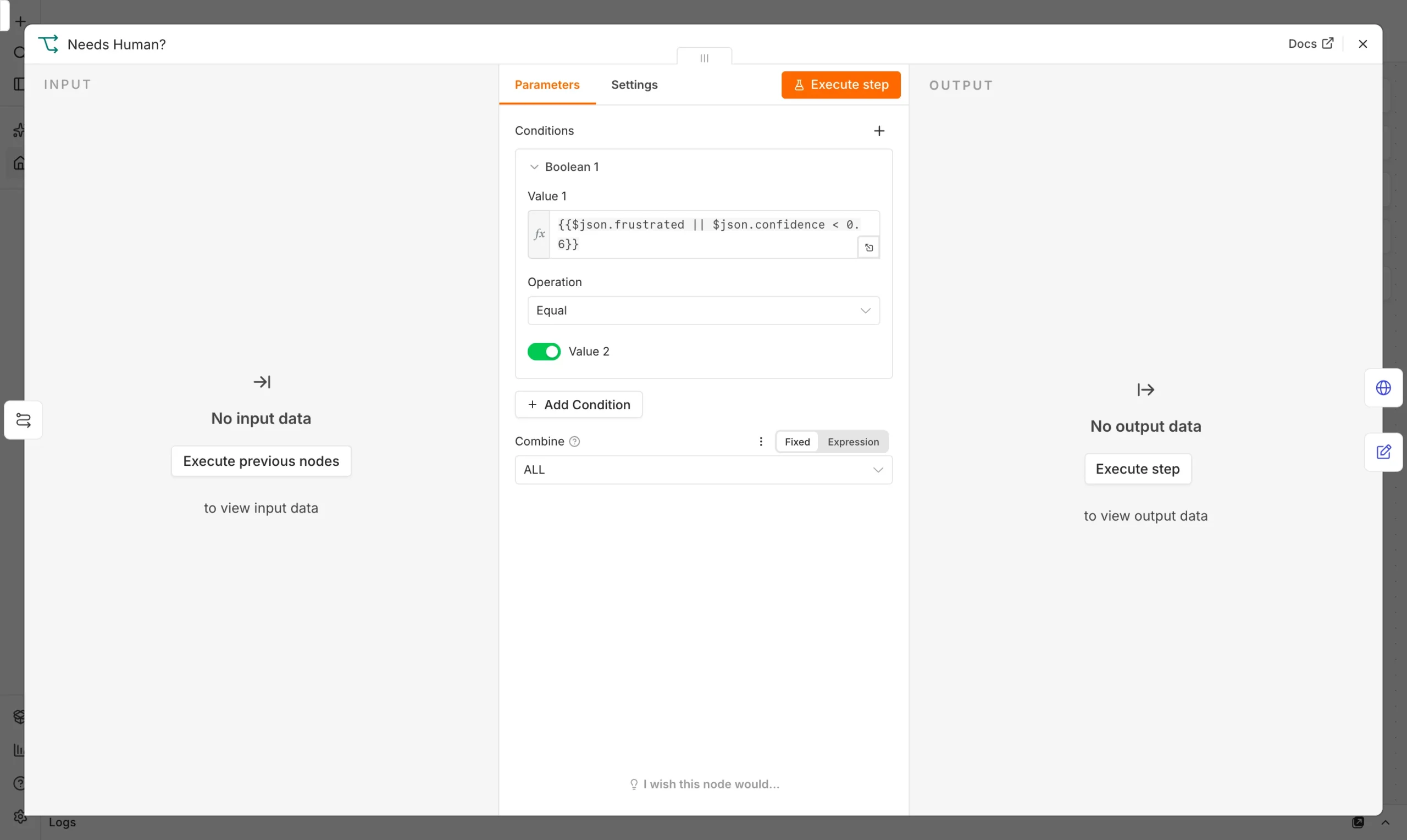
IF confidence < 4
Route to Slack alert instead of replying as the bot.
Route
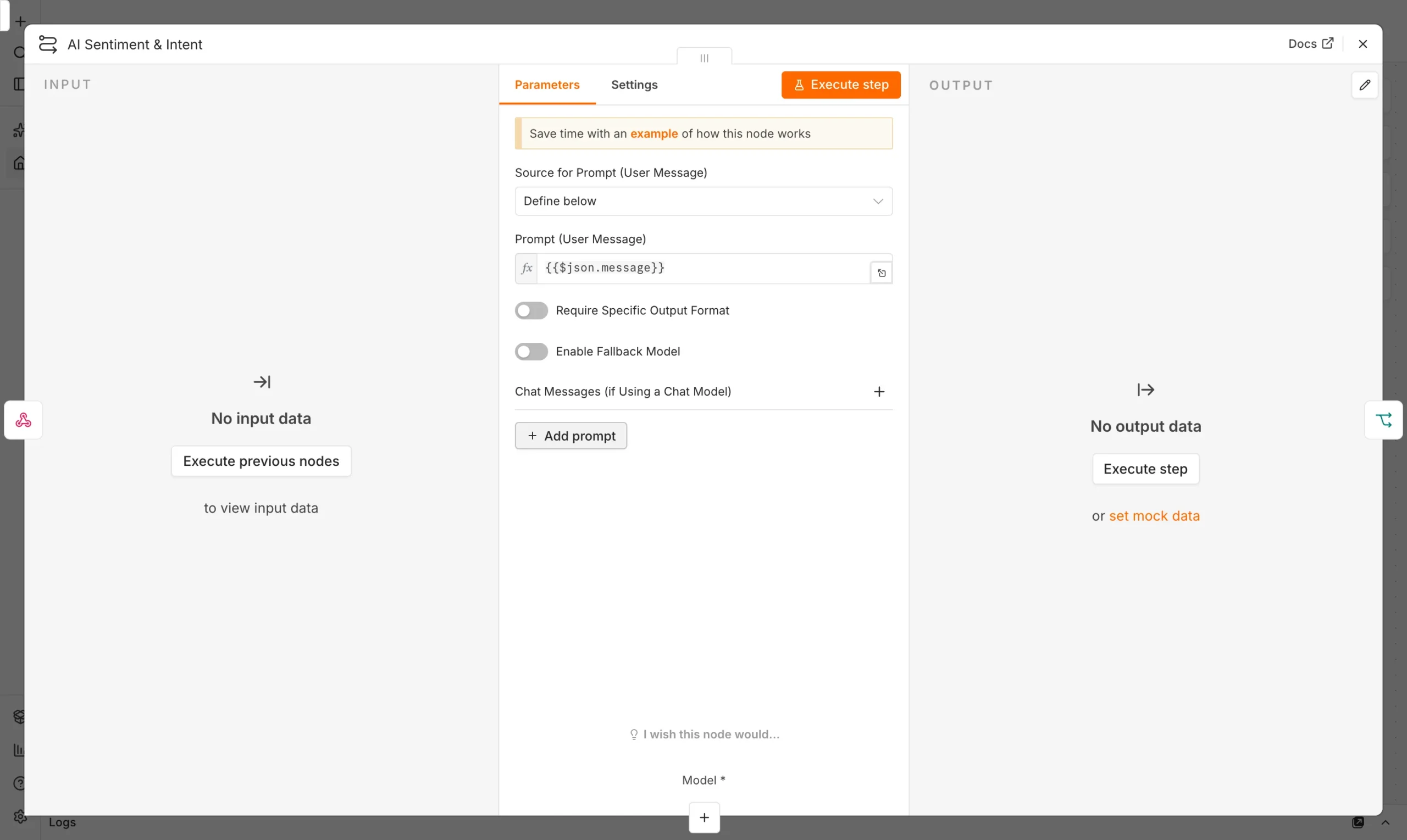
Our system message:
We tested it on 30 conversations
We ran 30 support-style questions — a mix of simple how-to questions, edge cases not in the docs, and a few angry-customer messages — through the workflow.
Overall: 29 of 30 handled correctly (97%). The one miss was a “not in docs” question the model answered anyway at confidence 4 instead of flagging it — a partial match to an unrelated doc section fooled it. No refund, cancellation, or angry-toned message was ever answered by the bot; the keyword pre-check caught all of those before the model even ran, which matters more than raw accuracy for a support team’s trust in the system.
Escalation rules that actually work
Keyword pre-checks catch the conversations you can’t risk getting wrong, before the model even sees them. Confidence scoring catches everything else the model is uncertain about. The combination is what got us to zero false-closes: the model doesn’t have to be perfect, because two independent checks stand between it and a customer getting a wrong or dismissive answer to something serious.
Frequently asked questions
Will a chatbot handle refund requests?
Not in this workflow, and that’s deliberate — refund and cancellation keywords route straight to a human before the bot ever generates a reply.
How do I set the confidence threshold?
Start at 4 out of 5 and watch escalations for two weeks. If the bot’s own borderline answers are usually right, you can lower it; if not, raise it.
Does this replace my helpdesk?
No. It sits in front of your existing chat widget or helpdesk and only decides who answers first — bot or human.
Can I use a hosted model instead of a local one?
Yes, swap the Ollama node for OpenAI or Anthropic’s chat node; the confidence-scoring system message works the same way.
Sources and further reading
- n8n Webhook and AI Agent node documentation.
- Our guide: Automate Customer Support: Ticket Triage.