How to Automate Repetitive Tasks: Find What to Automate First (Free n8n Scorer)
To automate repetitive tasks well, list every recurring task, measure how much time each one costs per month, and automate the one with the biggest saving that is also easy to build. Most guides stop at “pick the boring tasks”. Here is a simple scoring formula and a free n8n workflow that applies it, tested on five example tasks.
Key takeaways
- Good candidates are frequent, rule-based, digital and error-prone. Rare or judgment-heavy tasks are poor candidates.
- Monthly hours = runs per week × minutes × people × 4.33 ÷ 60.
- Multiply hours saved by an hourly cost, then compare to the hours needed to build it.
- The biggest task is not always first: in our test a task worth $312 a month ranked below one worth $390 because it was harder to build.
- The savings rate (80%) and build-time figures are our assumptions. Replace them with your own.
Which tasks are worth automating?
A task is a strong candidate when most of these are true:
- It repeats often: daily or weekly, not once a year.
- It follows rules: the same steps every time, with few exceptions.
- It happens in software: copying data, sending emails, filing documents.
- Mistakes are costly: manual copying causes errors.
- Several people do it: the saving multiplies.
Skip tasks that need judgment, empathy or negotiation, and tasks so rare that building the automation takes longer than doing the work.
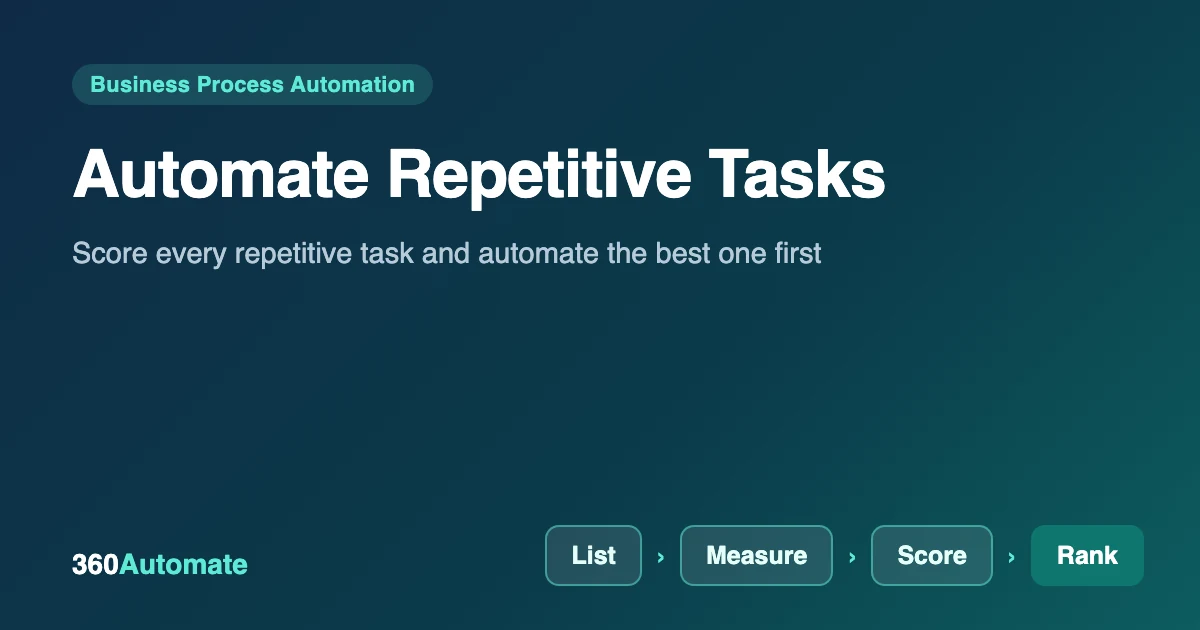
The 4-step method
List
Write down every recurring task, from each person, for one week.
Measure
Record how often it runs, minutes per run and how many people do it.
Score
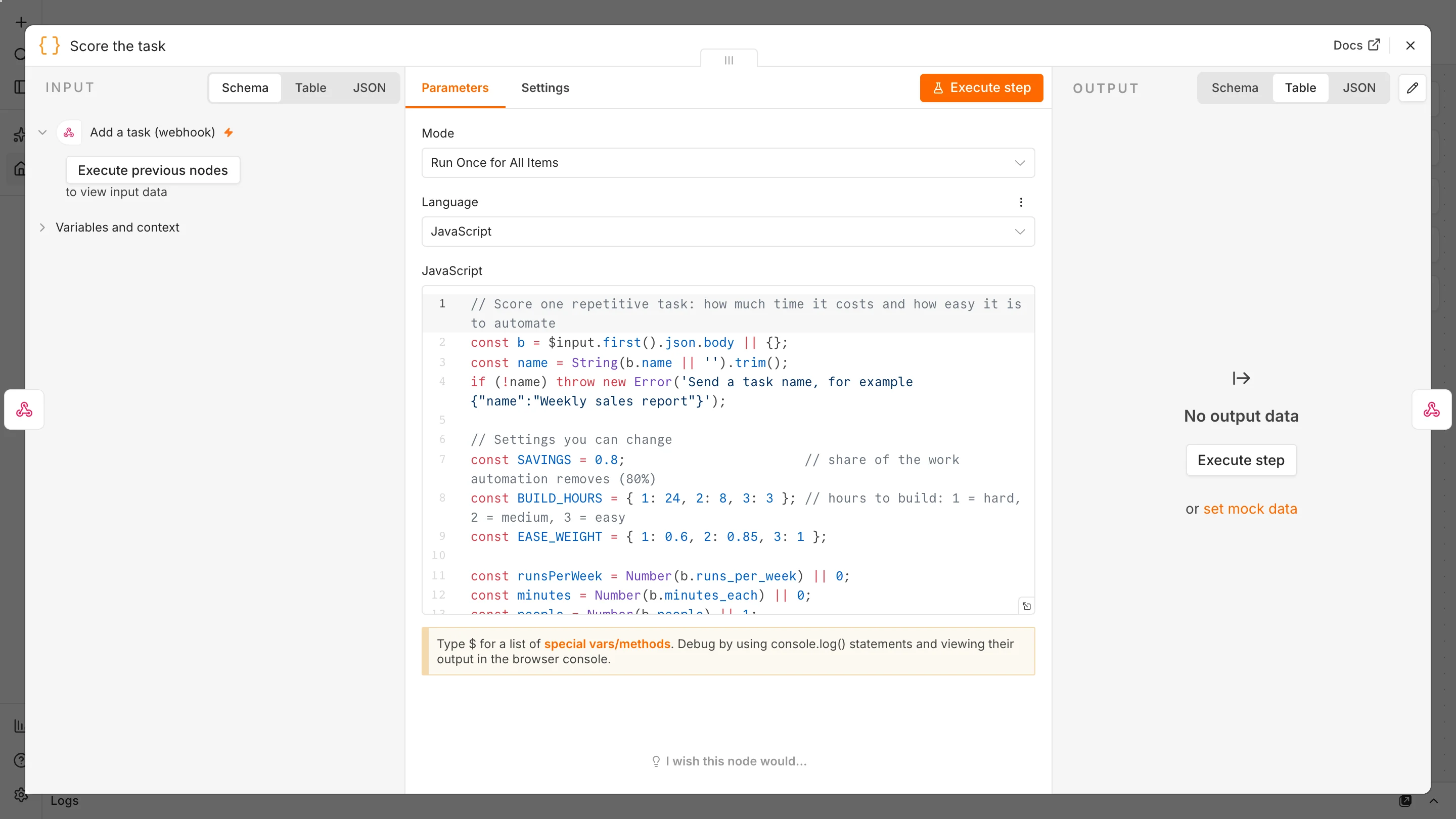
Turn time into money and adjust for how hard it is to build.
Rank
Automate the top item, then re-score.
The formula
hours per month   = runs per week x minutes each x people x 4.33 / 60
hours saved       = hours per month x 0.8        (assumed 80% saving)
value per month   = hours saved x hourly cost
payback (months)  = build hours x hourly cost / value per month
priority          = value x ease weight x 1.25 if error-prone
Build hours are our rough guess by difficulty: 3 hours for easy (a webhook and a few steps), 8 for medium and 24 for hard (many systems or exceptions). The ease weights are 1.0, 0.85 and 0.6, so hard tasks need a bigger saving to win. Error-prone tasks get a 1.25× bonus. None of these numbers are industry standards: they are starting points you should adjust.
Build the scorer in n8n
The workflow has two flows and you can download it as JSON. If you have not installed n8n yet, follow how to use n8n for free first.
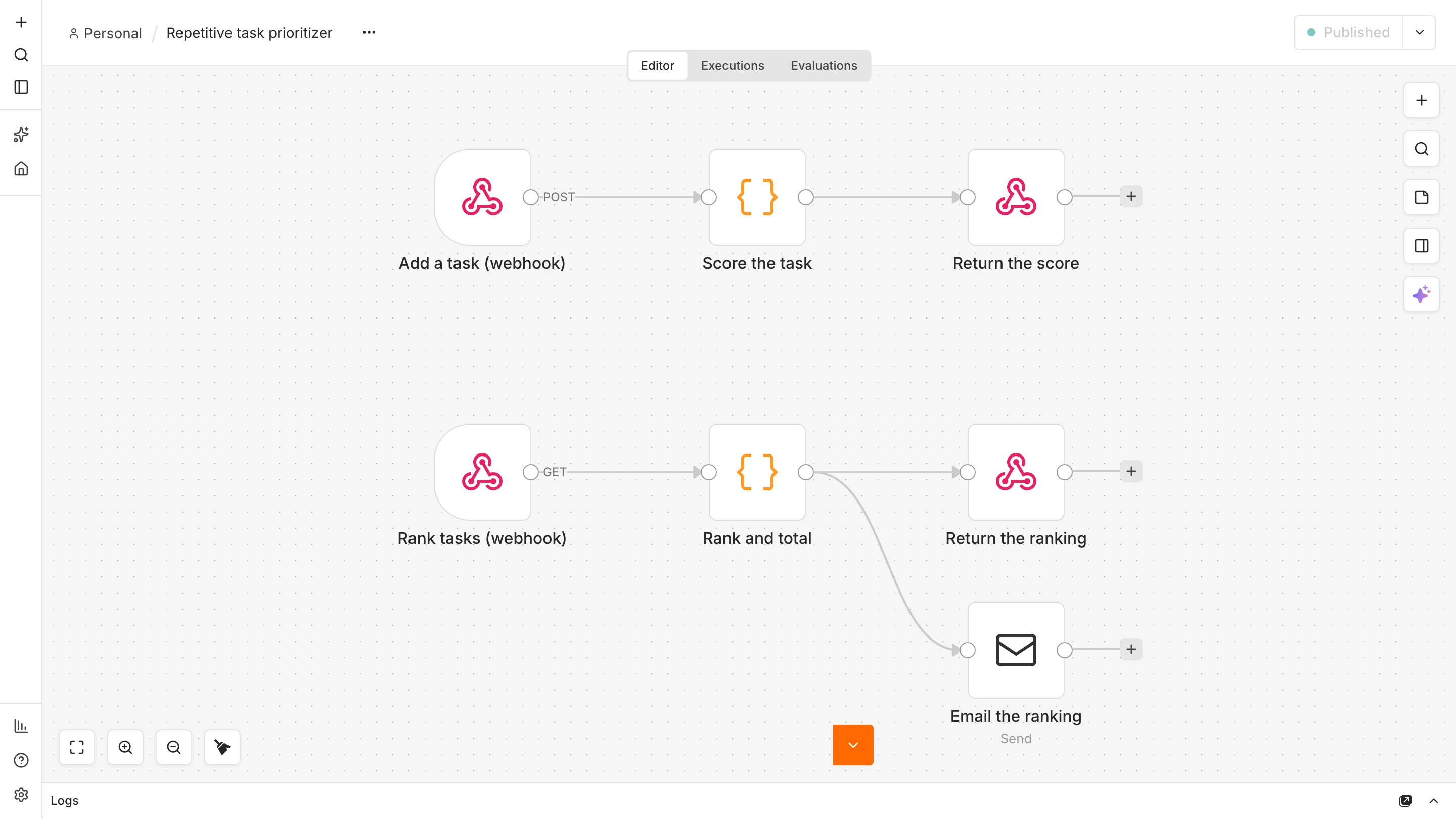
- Add a task. A Webhook receives a POST with the task details and a Code node applies the formula above.
- Store it. The result is saved in the workflow’s static data, a small built-in store, so no database is needed.
- Rank tasks. A second webhook (GET) sorts everything by priority, totals the savings, replies with the top five and emails the same report.
Test it with five tasks
curl -X POST http://localhost:5678/webhook/add-task -H 'Content-Type: application/json' \
  -d '{"name":"Rename and file scanned documents","runs_per_week":15,"minutes_each":5,"people":3,"ease":2}'
curl http://localhost:5678/webhook/rank-tasks
We added five made-up but realistic tasks and asked for the ranking. The numbers below are exactly what the workflow returned, at an assumed $30 per hour:
| Rank | Task | Hours saved / month | Value / month | Payback |
|---|---|---|---|---|
| 1 | Rename and file scanned documents (15×/week, 3 people) | 13.0 | $390 | 0.6 months |
| 2 | Reconcile invoices with the bank export (hard) | 10.4 | $312 | 2.3 months |
| 3 | Copy weekly sales numbers into the report (error-prone) | 5.2 | $156 | 0.6 months |
| 4 | Send onboarding emails to new customers | 4.6 | $139 | 0.6 months |
| 5 | Post the same job ad on five boards | 1.7 | $52 | 4.6 months |
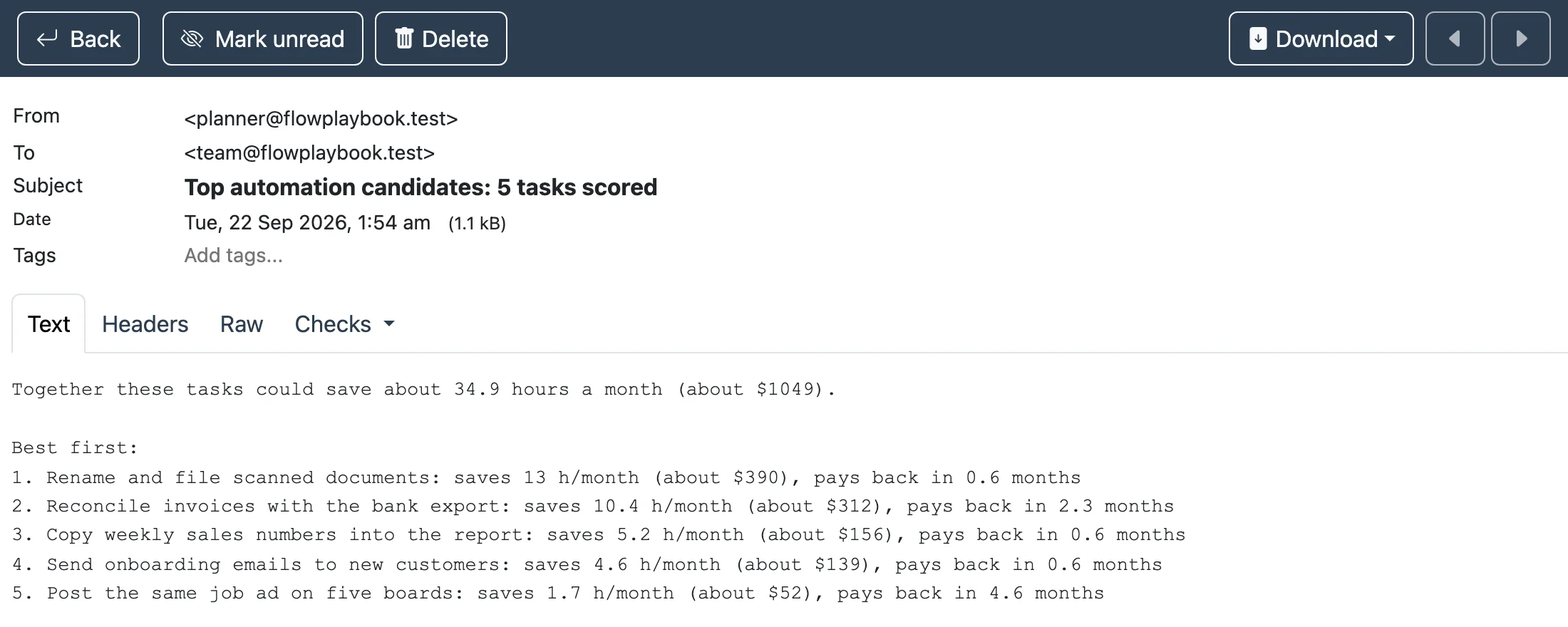
Notice task 2: it saves the second-most time, but building it is hard (24 hours), so its payback is 2.3 months instead of 0.6. Task 3 is small but easy and error-prone, so it beats task 4 even though task 4 saves nearly as many hours. Scoring makes these trade-offs visible.
Limits: this stores data inside the workflow, so two tasks submitted at the exact same moment can overwrite each other (we saw this when testing quickly, so submit them a second apart). For a real team, swap the storage for Google Sheets or a database. The scores are estimates from your own inputs and ignore hidden costs such as maintenance.
Good first automations by team
| Team | Repetitive task | Automation to build first |
|---|---|---|
| Sales | Following up with new leads | Automated follow-up sequence |
| Finance | Chasing invoice approvals | Invoice approval workflow |
| Operations | Filing and extracting data from PDFs | Automated data extraction |
| HR | Setting up new hires | Employee onboarding workflow |
| Support | Sorting incoming tickets | Support triage |
After you automate the first task
- Measure the result. Compare real time spent before and after; adjust the 80% assumption.
- Keep a human check on anything customer-facing or financial until it has run cleanly for a few weeks.
- Re-score monthly. New tasks appear and old ones stop mattering.
Frequently asked questions
How do I decide which tasks to automate first?
Score each task by monthly time cost, then adjust for how hard it is to build and how error-prone it is. Start with the highest-scoring task that pays back within a few months.
What tasks should not be automated?
Tasks that need judgment, empathy or negotiation, tasks that change every time, and tasks so rare that automation costs more than it saves.
How much time can automation really save?
It depends on the task. We assumed 80% of the manual time is removed, but you should measure your own results, because reviews and exceptions still need people.
Do I need coding skills to automate repetitive tasks?
Not for many tasks: n8n and similar tools connect apps visually. Custom calculations, like our scorer, use a little JavaScript, and the template is ready to import.
Is n8n free for this?
Self-hosted n8n Community Edition is free for internal use. You pay only for your server and any paid services you connect.
Sources and further reading
- n8n Webhook node, Code node and workflow static data documentation.
- Our own tested workflow: free n8n workflow downloads.