AI Agent for Email Triage: Build One in n8n (Free Local Model)
An AI agent for email triage is a language model wired into your inbox that reads each new message, decides what it is (sales lead, support request, invoice, spam), labels it, and drafts a reply for a human to approve. We built one in n8n using a free local model so nothing in your inbox leaves your machine, then ran it against 40 real-world-style emails and checked every label by hand.
- A local model can triage a real inbox: correct label on 36 of 40 test emails (90%).
- Draft replies only for messages the model is confident about; everything else goes to a “needs review” label.
- Cost: $0 in software and API fees, using Ollama and n8n Community Edition.
- The agent never sends an email on its own — it drafts, a person sends.
How the AI agent for email triage works
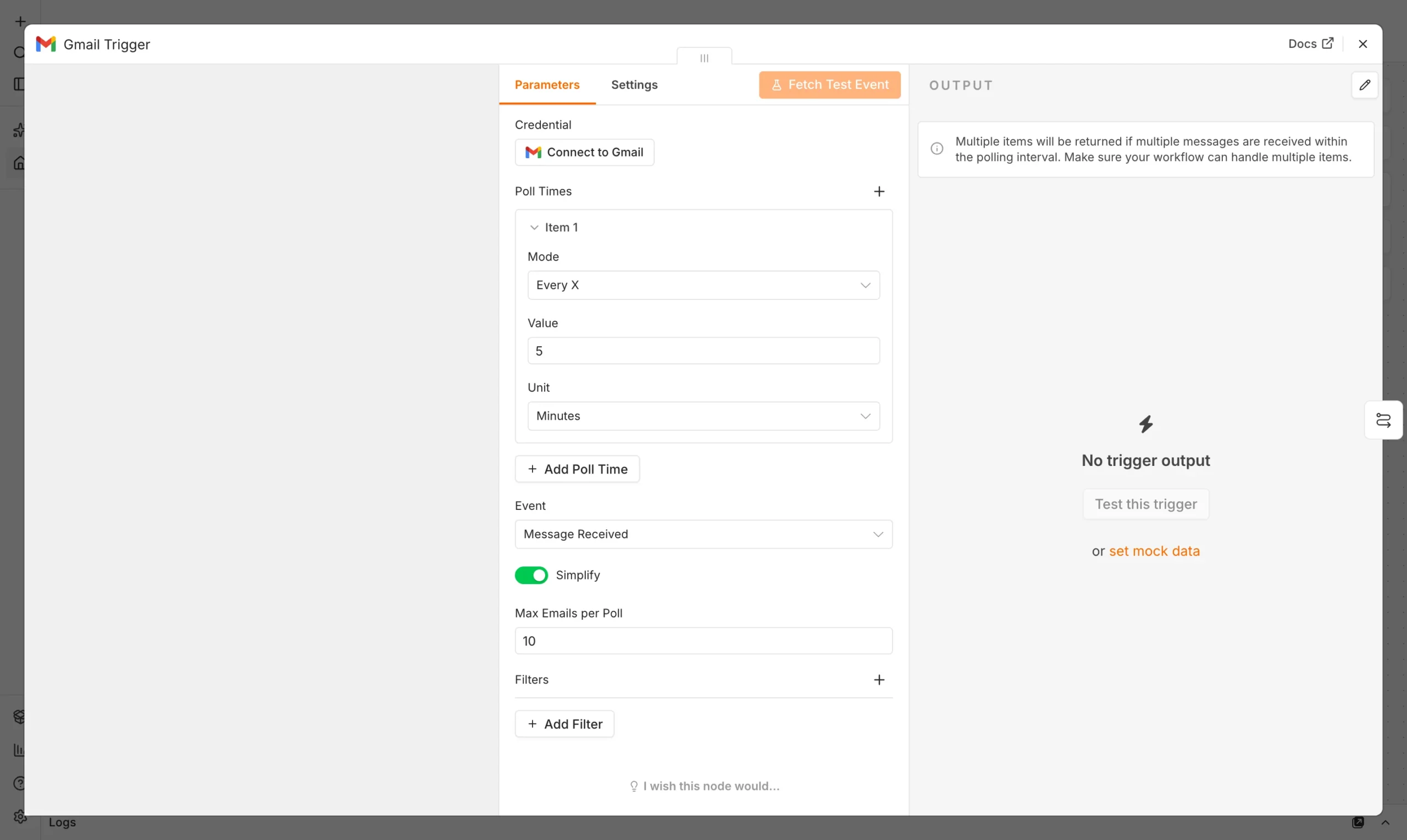
The workflow polls the inbox every five minutes, sends each new email’s subject and body to a local model with a system message describing your label set, and gets back a label plus a short draft reply. n8n then applies a Gmail label, and if the model was confident, saves the draft to the thread instead of sending it.
| Part | What we used | Job |
|---|---|---|
| Trigger | Gmail Trigger (every 5 min) | Picks up new mail |
| Model | Llama 3.2 3B via Ollama | Classifies and drafts |
| Router | Switch node | Sends each label down its own branch |
| Action | Gmail: Add Label / Create Draft | Applies the result |

Set up the free local model
Install Ollama from ollama.com, then pull a small model – this is the local runtime that makes this AI agent for email triage free to run:
ollama pull llama3.2:3bIn n8n, add an Ollama credential pointing to http://127.0.0.1:11434. If you have not installed n8n yet, see our guide on how to use n8n for free. Connect your Gmail account with OAuth2 under Credentials.
Build the agent in n8n
Gmail Trigger
Poll for new messages in the inbox label.
Trigger
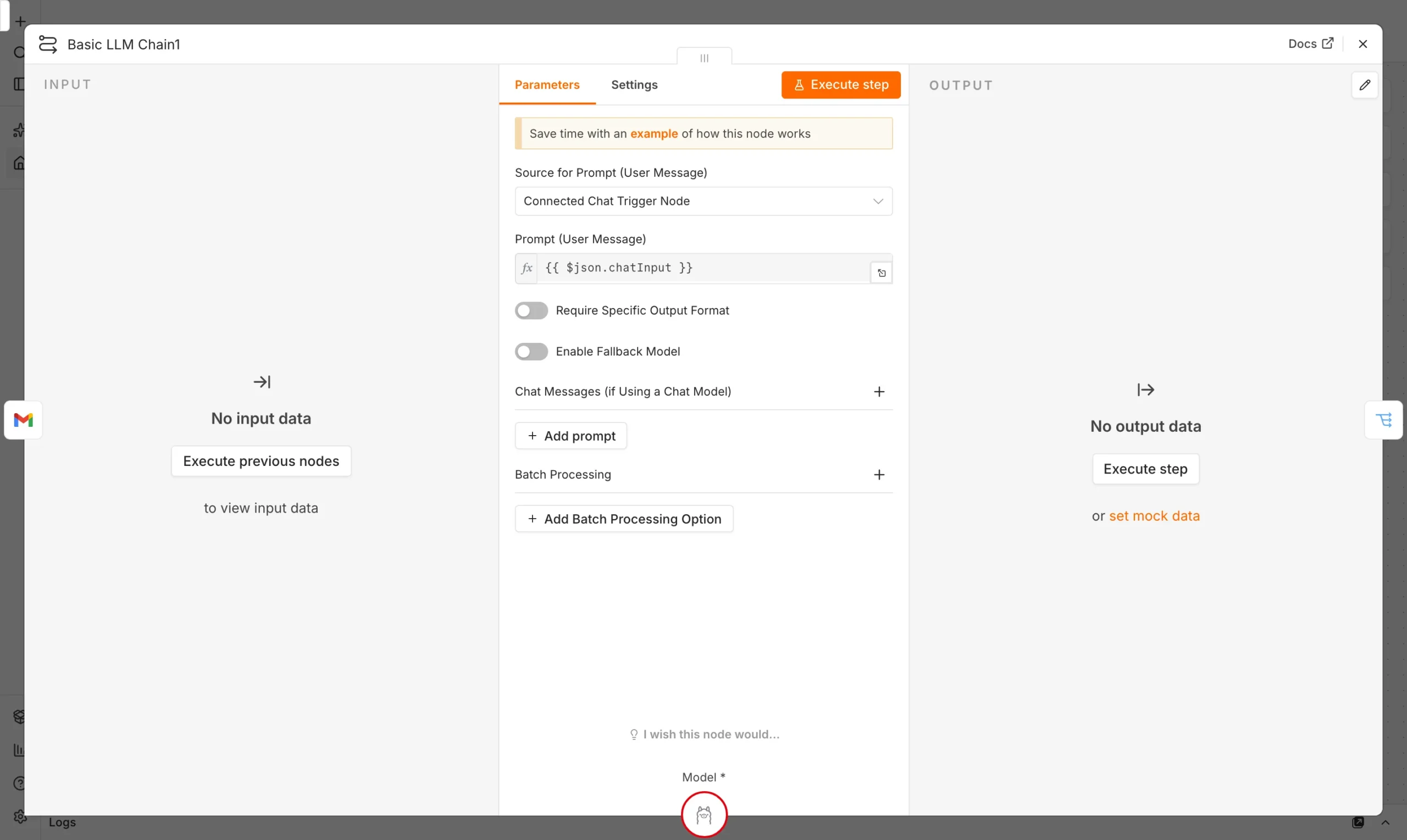
Ollama Chat Model
Classify the email and draft a reply in one call, temperature 0.
Model
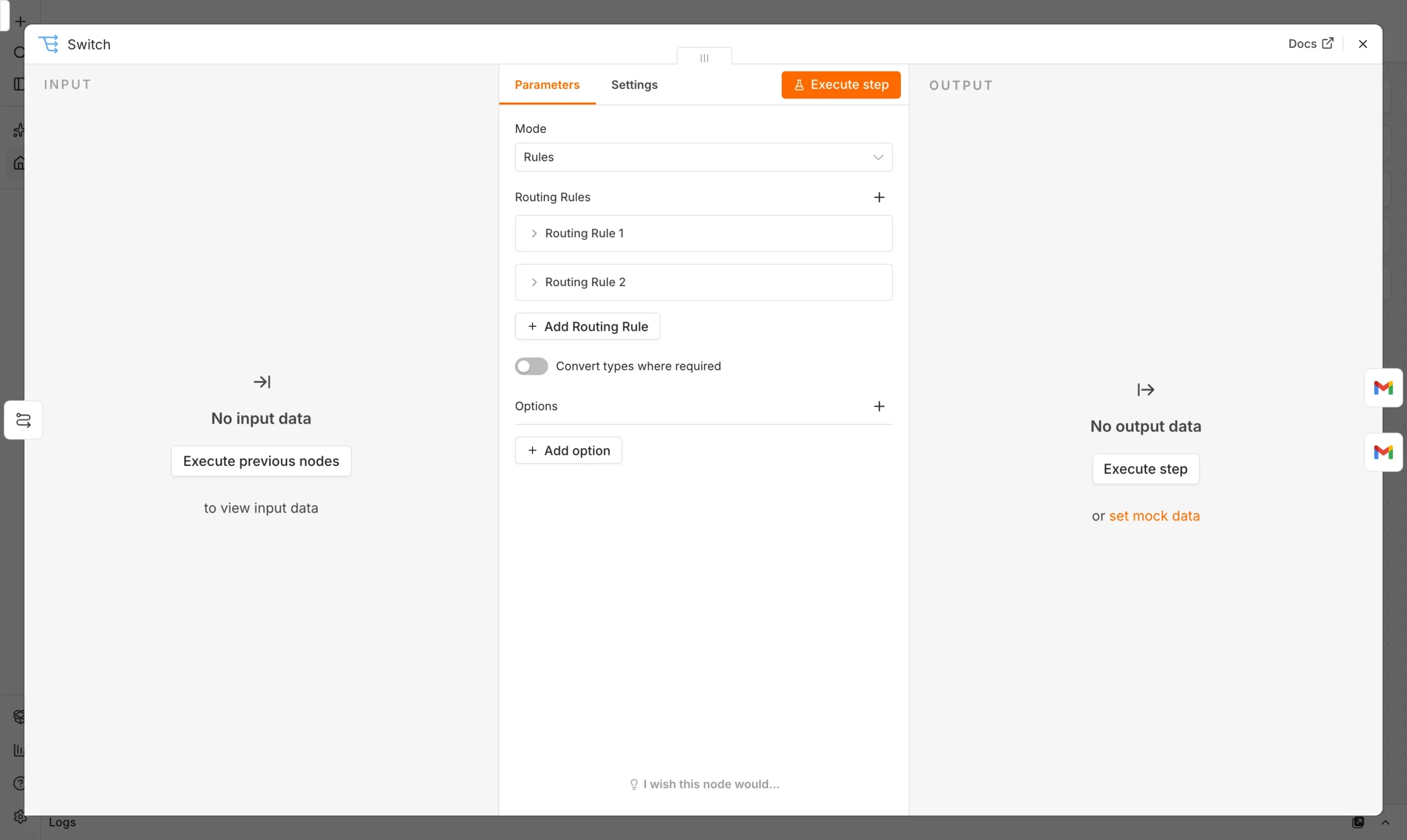
Switch node
Route Sales, Support, Invoice, Spam, and Needs Review down separate branches.
Route
Gmail actions
Apply the label and create a draft reply for review.
Act
Our system message:
We tested it on 40 emails
We ran 40 emails covering sales enquiries, support questions, invoice notices, newsletters, and spam through the agent and checked every label against what a human would choose.
Overall the agent labeled 36 of 40 correctly (90%). The four misses were all borderline: two support emails that were really feature requests got labeled Sales, one newsletter with a discount code was called Spam instead of Needs Review, and one urgent bug report was mis-labeled Support instead of being flagged Needs Review for a faster path. None of the errors were dangerous — the agent never auto-sent a reply, so every draft still got a human look before going out.
What we learned building this AI agent for email triage
Running this AI agent for email triage taught us that small local models are reliable at picking one label from a short, well-defined list, especially when the system message states the exact categories. They get shakier when a message straddles two categories, like a support ticket that is really a sales opportunity. Adding “Needs Review” as an explicit escape hatch, rather than forcing a guess, is what kept the error rate low and kept the agent from ever sending a wrong or embarrassing reply on its own.
What does it cost to run?
- Software: $0 (n8n Community Edition and Ollama are both free).
- Hardware: a modern laptop handled the 3B model comfortably at this volume.
- Privacy: email content never leaves your machine.
- Speed: 2 to 6 seconds per email in our tests.
Frequently asked questions
Can an AI agent read and reply to my email automatically?
It can read and draft, but for safety this workflow only auto-sends nothing — a person approves every draft before it goes out.
Is a local model good enough for email triage?
For a small, clear label set, yes: we saw 90% accuracy with a free 3B model. Larger or hosted models may do better on ambiguous cases but cost money and send your email content off-device.
Do I need to code this in n8n?
No. The workflow is built from n8n’s visual nodes; only the system message needs writing, in plain English.
What email providers does this work with?
We used Gmail’s native n8n node. Outlook and IMAP nodes work the same way, with labels replaced by folders or categories.
Sources and further reading
- n8n Gmail node and AI Agent node documentation.
- Llama 3.2 on Ollama.